LIVESTREAM
Examples of shows: https://www.youtube.com/live/xSGiA8-lUmU?si=tCFQj3WJI4Q-p_PF
Livestreaming guide: https://www.etceteratheatrecamden.com/s/STREAMING-GUIDE.pdf
Etcetera Theatre is a 42-seat Camden pub theatre with livestreaming and recording options for theatre, comedy, workshops and hybrid events.
The Etcetera Theatre now offers a compact hybrid livestream setup designed for fringe theatre, comedy, spoken word, music, workshops, and mixed-media performance.
Our livestream system prioritises:
clarity
reliability
simplicity
minimal technical overhead
discreet integration into the venue
The system is designed for:
archive recordings
private review links
hybrid performances
livestream ticketing
remote audiences
festival streaming
digital promo capture
If you have specific streaming requirements, please contact us in advance.
SYSTEM OVERVIEW
The livestream setup includes:
CAMERA
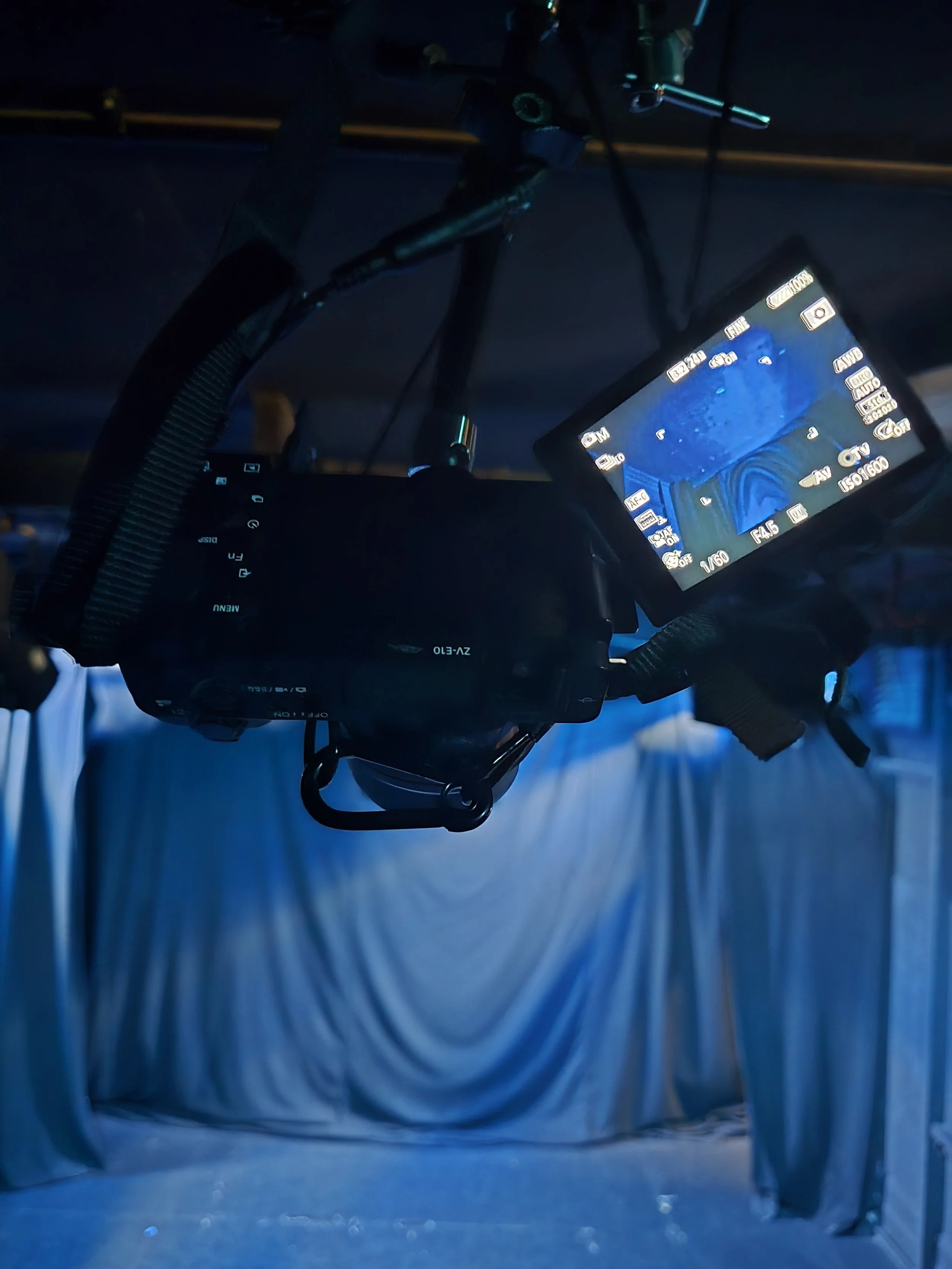
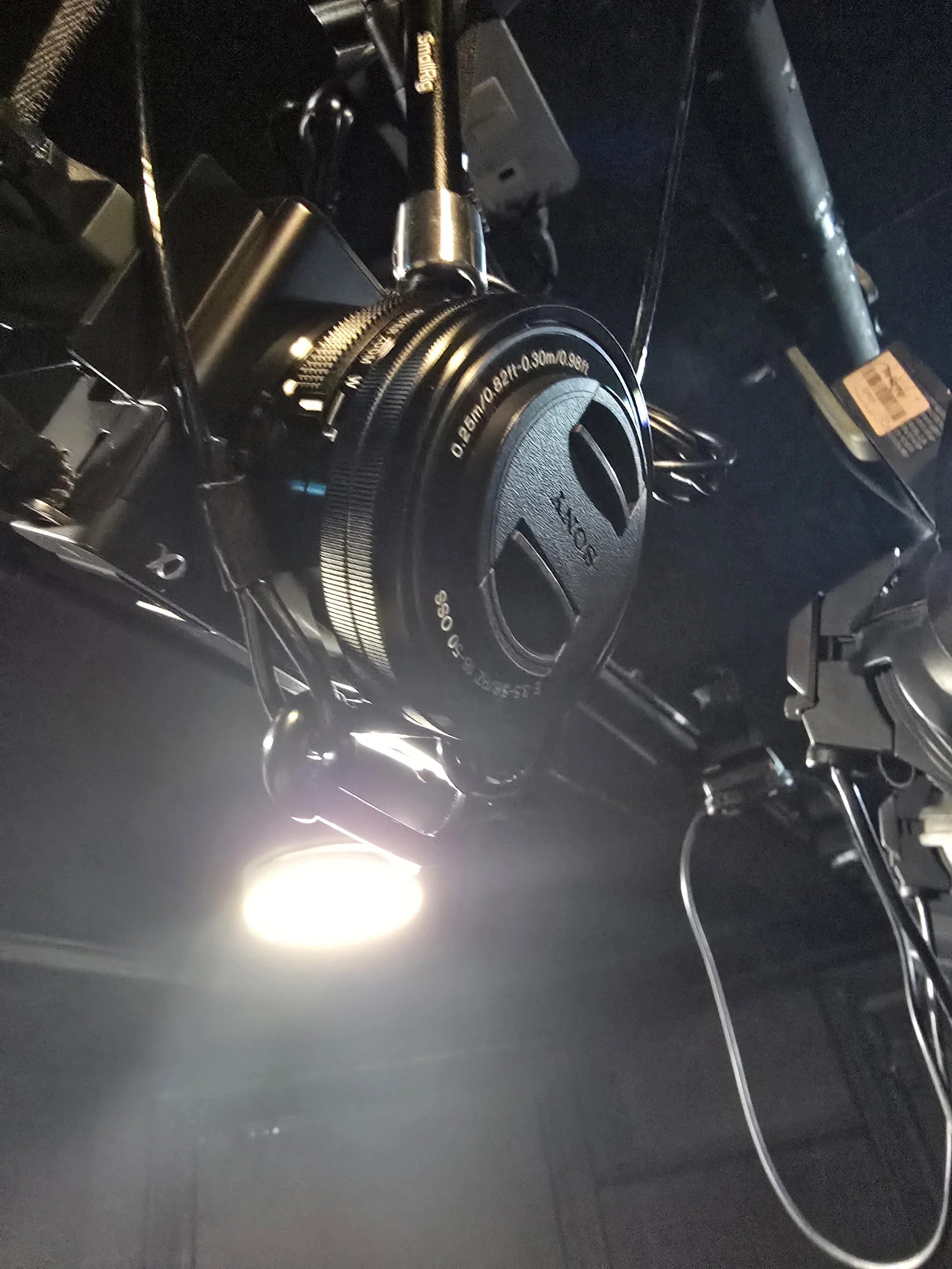
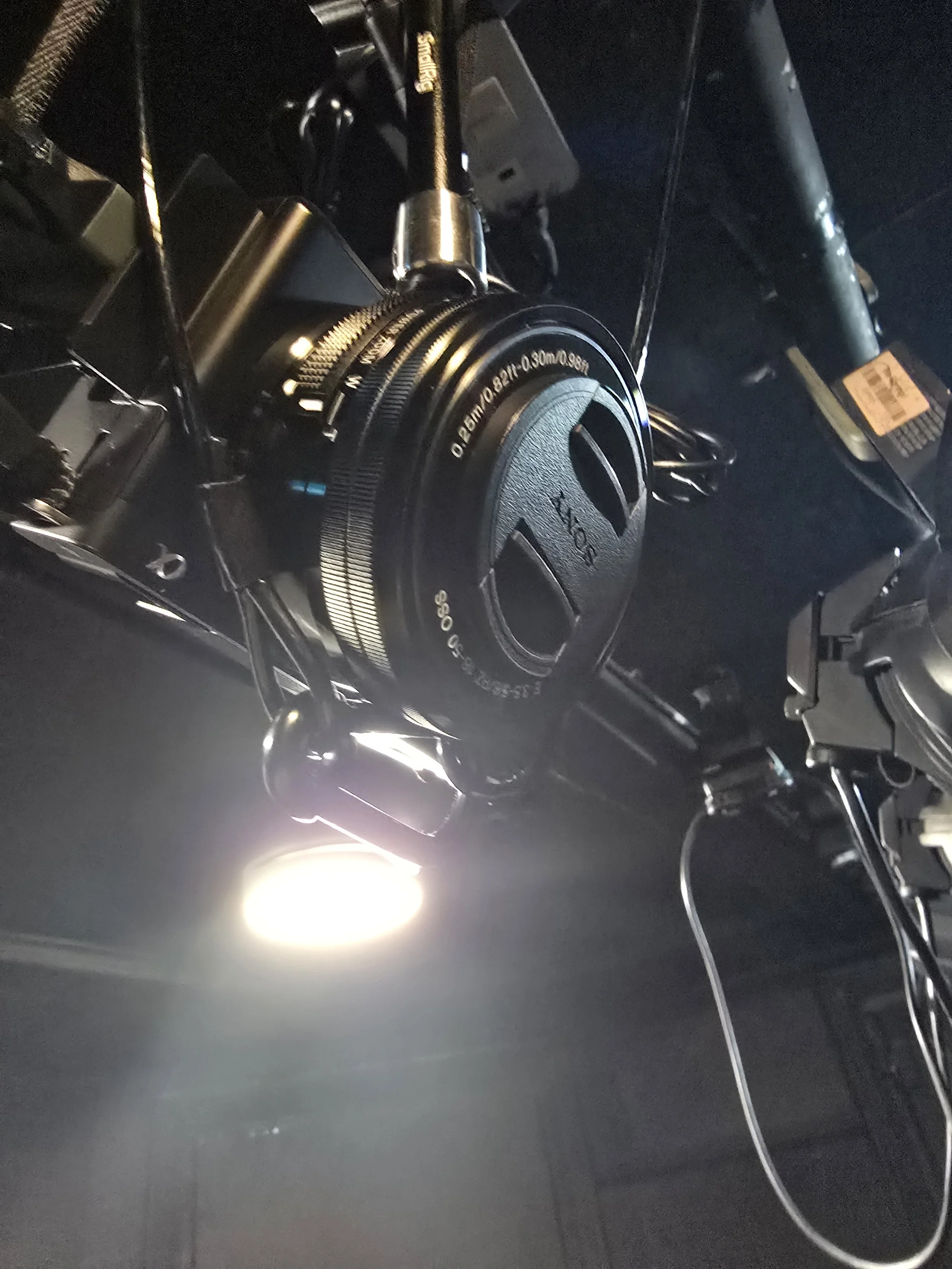
Sony ZV-E10 mirrorless livestream camera
APS-C sensor
low-light optimised
fixed overhead mounting position
continuous AC power supply
Suitable for:
theatre
comedy
spoken word
music
workshops
hybrid events
AUDIO
Audio-Technica PRO45 overhead condenser microphone
suspended overhead positioning
balanced XLR signal path
focused dialogue capture
designed for theatrical and choral environments
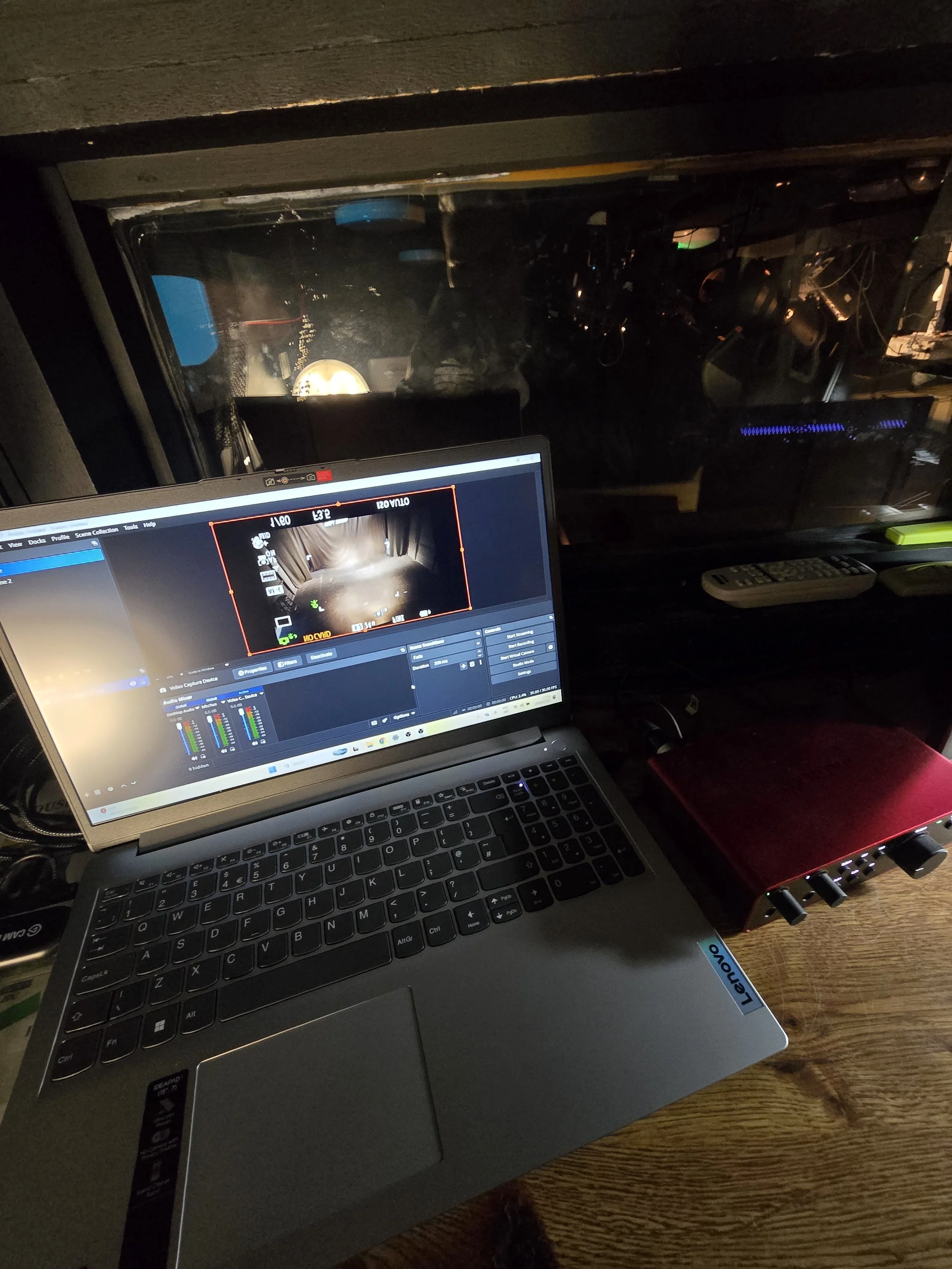
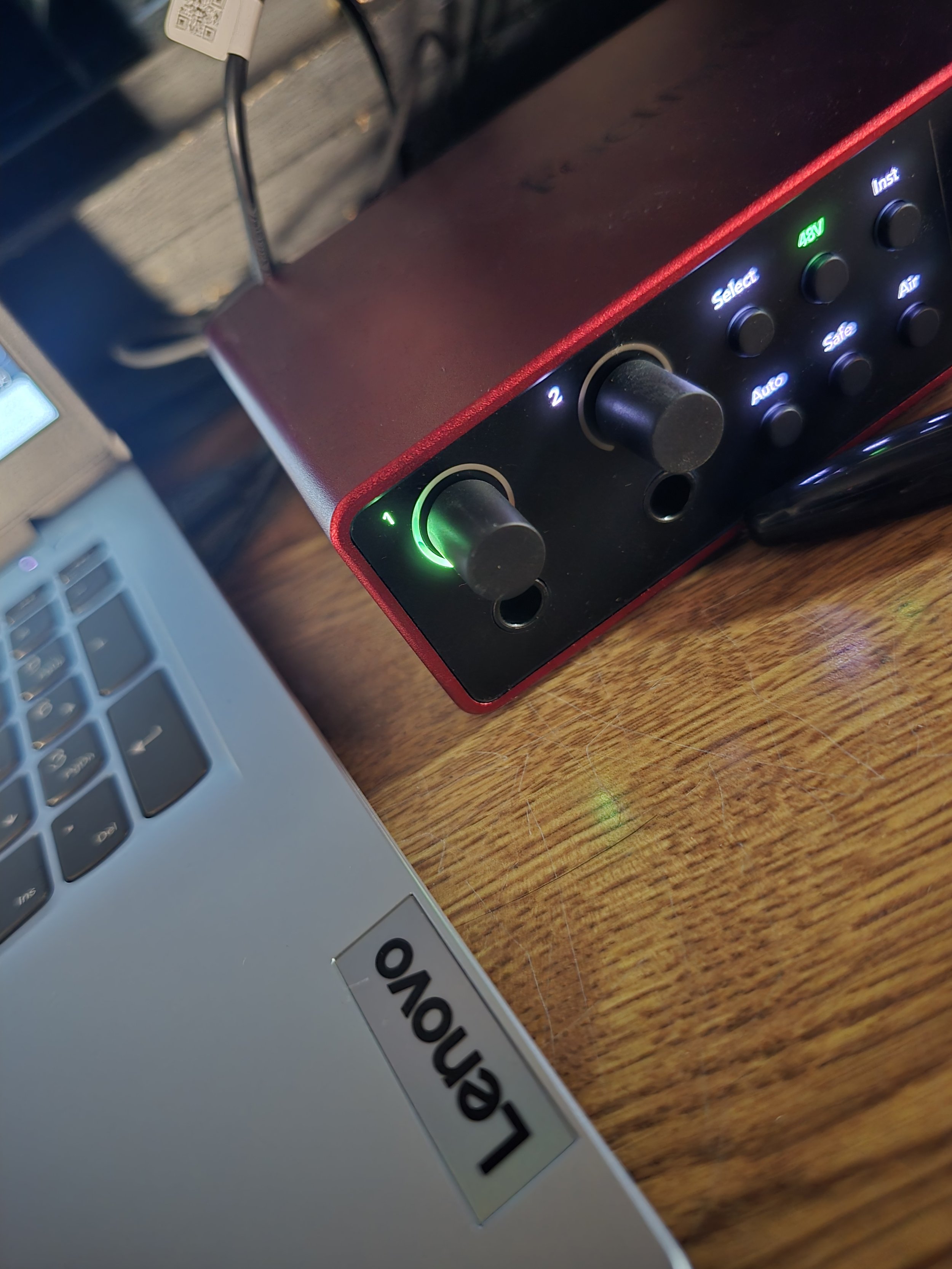
Audio is routed through a dedicated Focusrite Scarlett interface for stable recording and livestream transmission.
STREAMING SYSTEM
Dedicated Windows streaming laptop
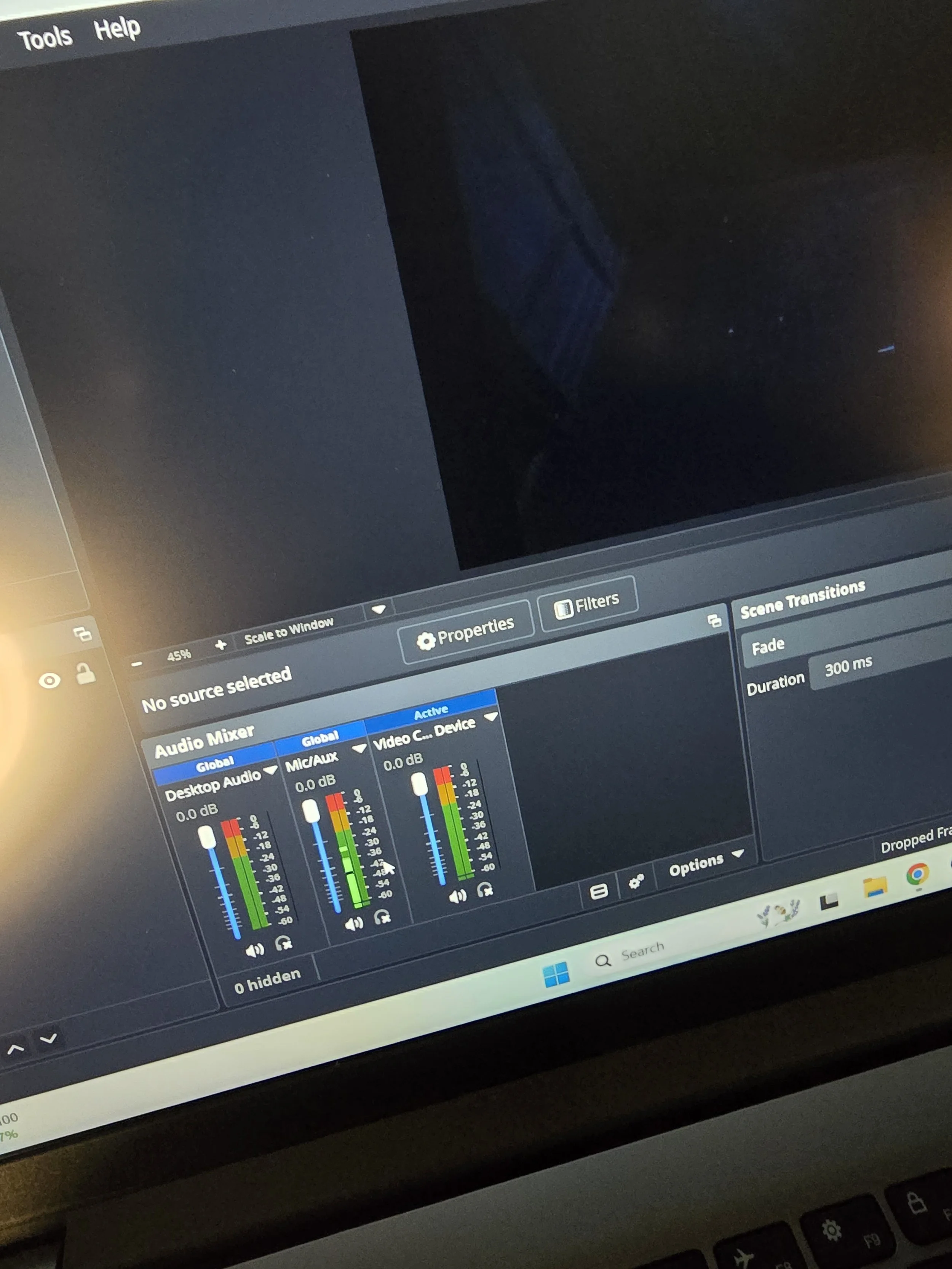
OBS Studio streaming software
HDMI capture workflow
Local recording capability
Stream health monitoring
PERFORMANCE SPACE
Intimate black box theatre
End-on seating
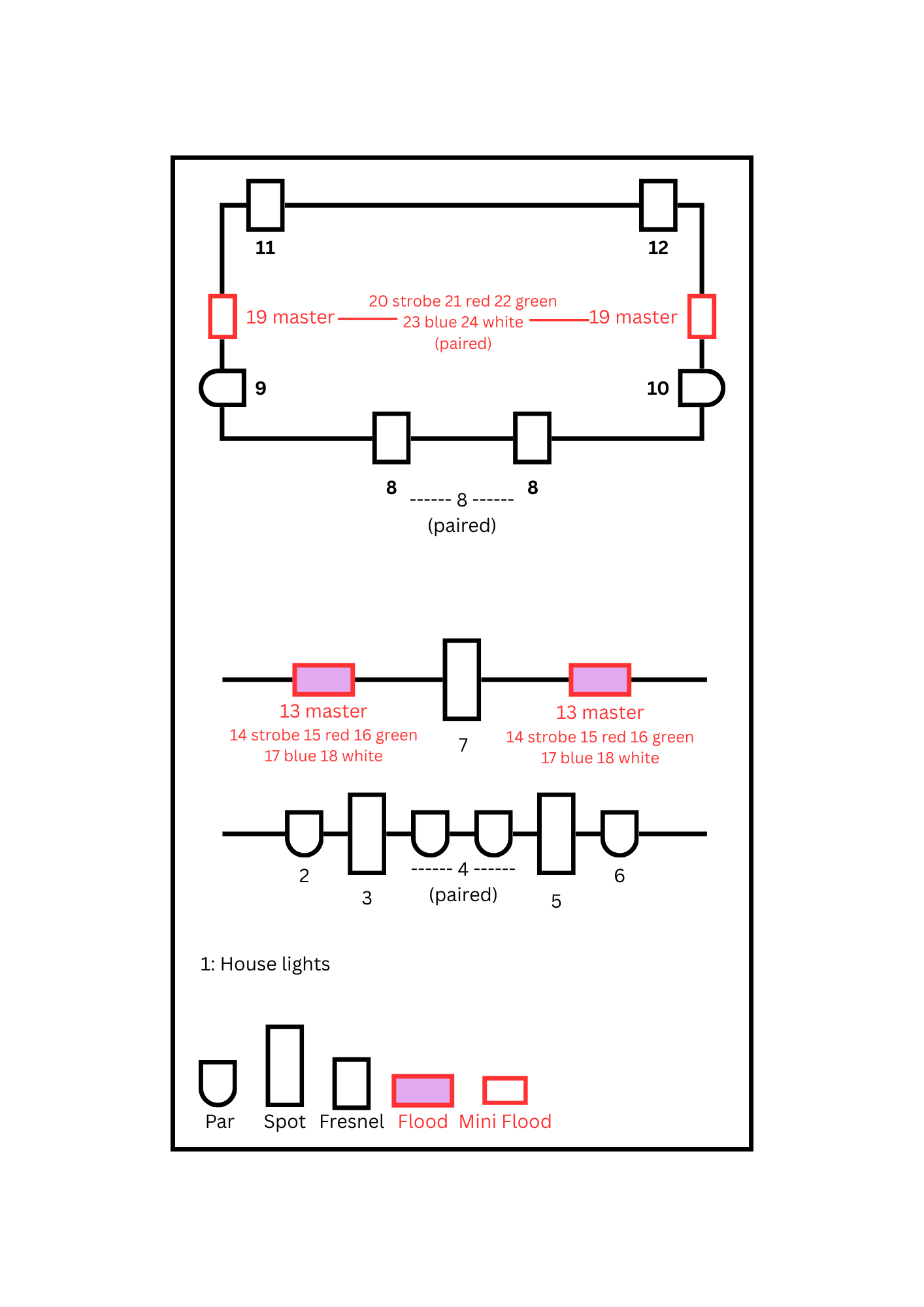
Fixed lighting bars (FOH and over-stage)
Small control booth at rear of seating
Suitable for intimate livestream framing and focused dialogue capture
LIVESTREAMING CAPABILITIES
The livestream setup is suitable for:
Fringe theatre
Comedy
Spoken word
Acoustic music
Workshops
Talks
Small-scale mixed media
Rehearsal archive recordings
The system is NOT intended for:
multicam broadcast productions
television-grade live switching
large-scale concert capture
fully isolated actor microphones
STREAM DELIVERY OPTIONS
Available options may include:
Private unlisted stream links
Public livestream events
Archive recordings
Downloadable video files
Remote reviewer access
Hybrid festival performances
Platform options:
YouTube
Vimeo
Zoom
OBS virtual output
Custom platforms (subject to compatibility)
AUDIO NOTES
The livestream audio system uses an overhead condenser microphone rather than individual body microphones.
This works best for:
intimate performances
naturally projected dialogue
spoken word
small ensemble work
Shows with:
whisper-heavy acting
large dynamic movement
loud audience interaction
may require additional planning.
LIGHTING NOTES
The livestream camera performs best with:
clear front lighting
balanced stage contrast
controlled backlight
Very dark scenes or extreme contrast lighting may affect image quality.
HOW TO USE
BASIC OPERATION
LIVESTREAMING SETUP
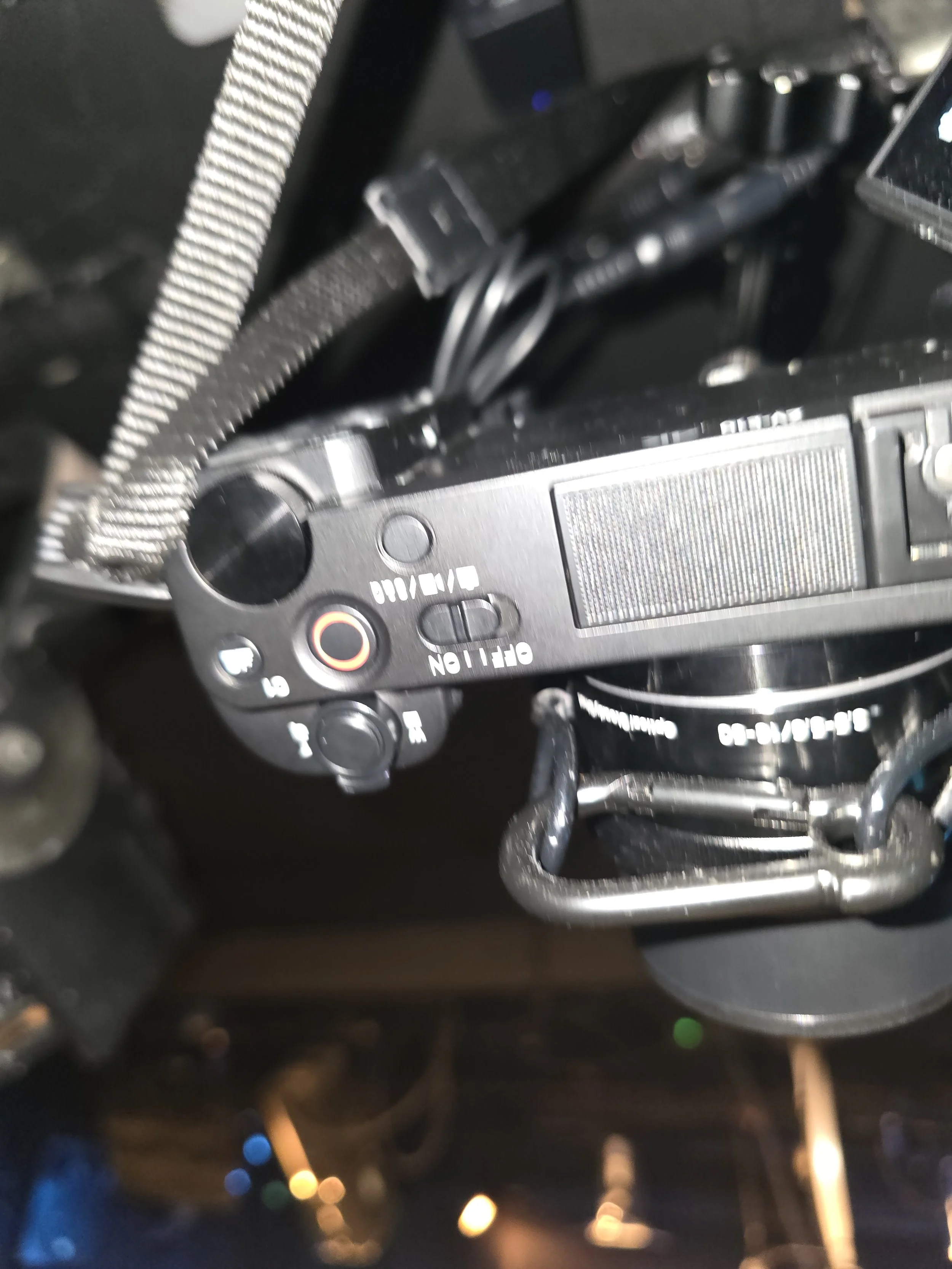
Turn on camera
Remove camera lens cap and keep it safe until end of show
Turn on laptop
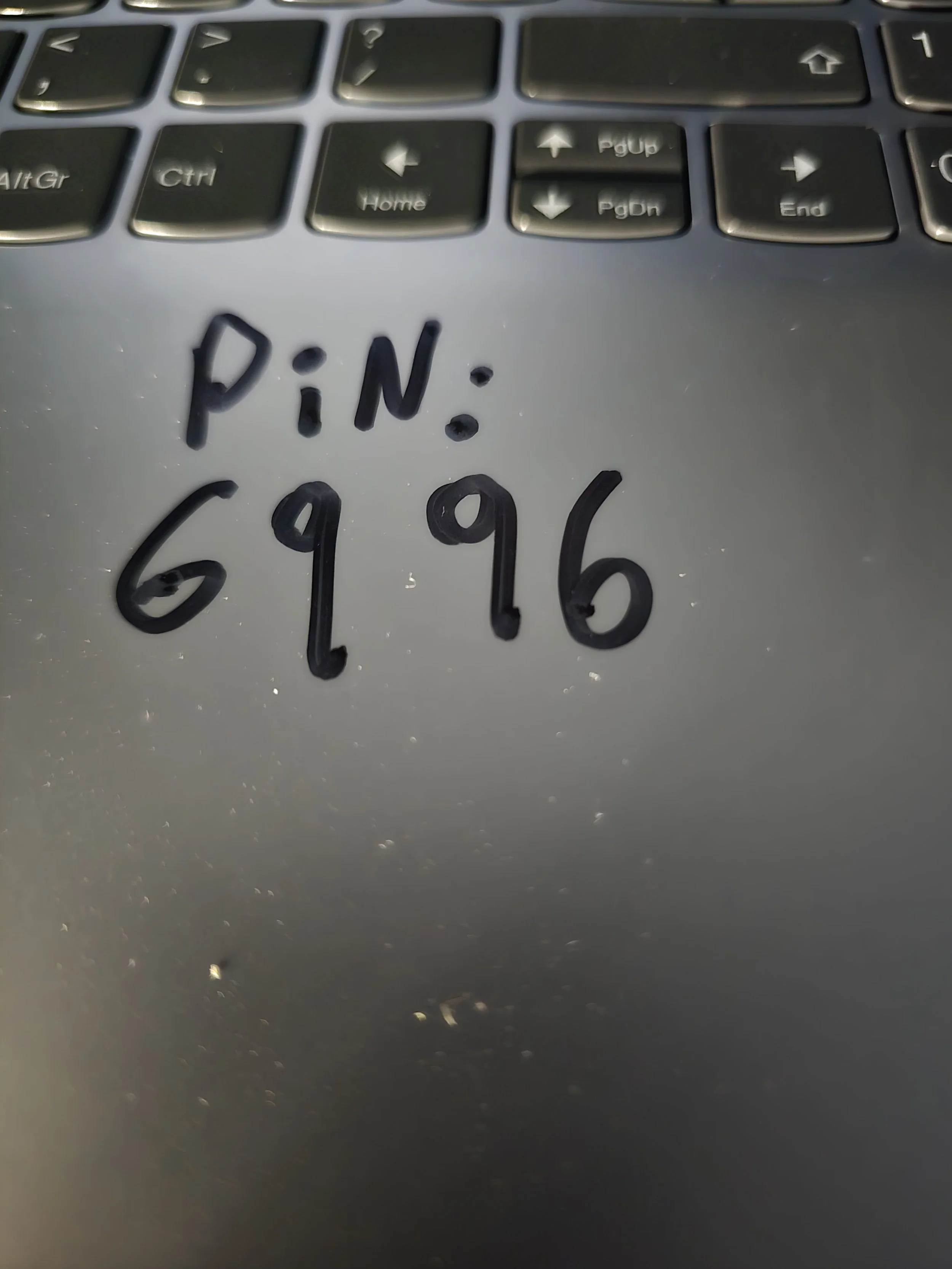
Login PIN: 6996
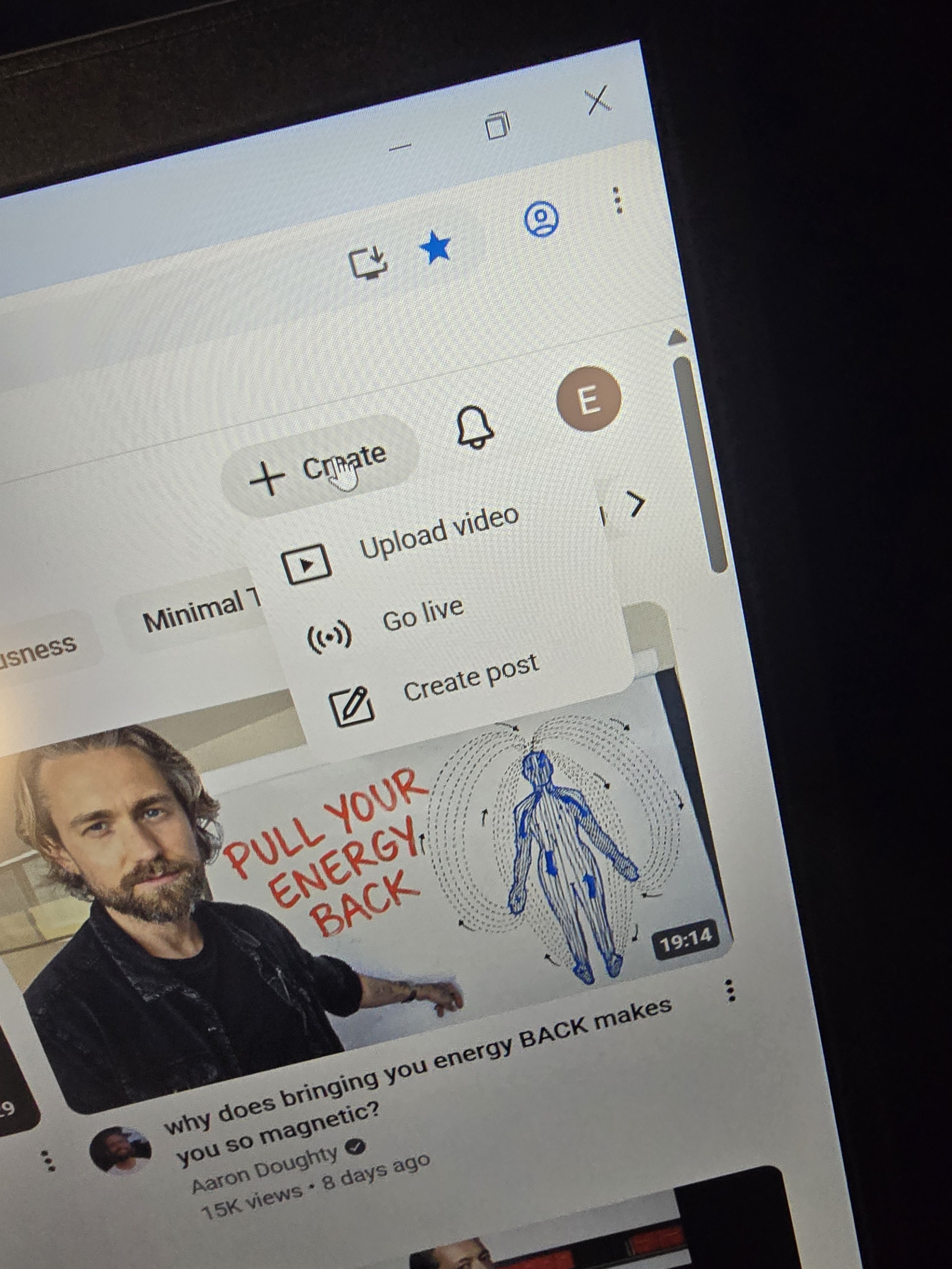
Open Chrome
Open YouTube
Press + Create
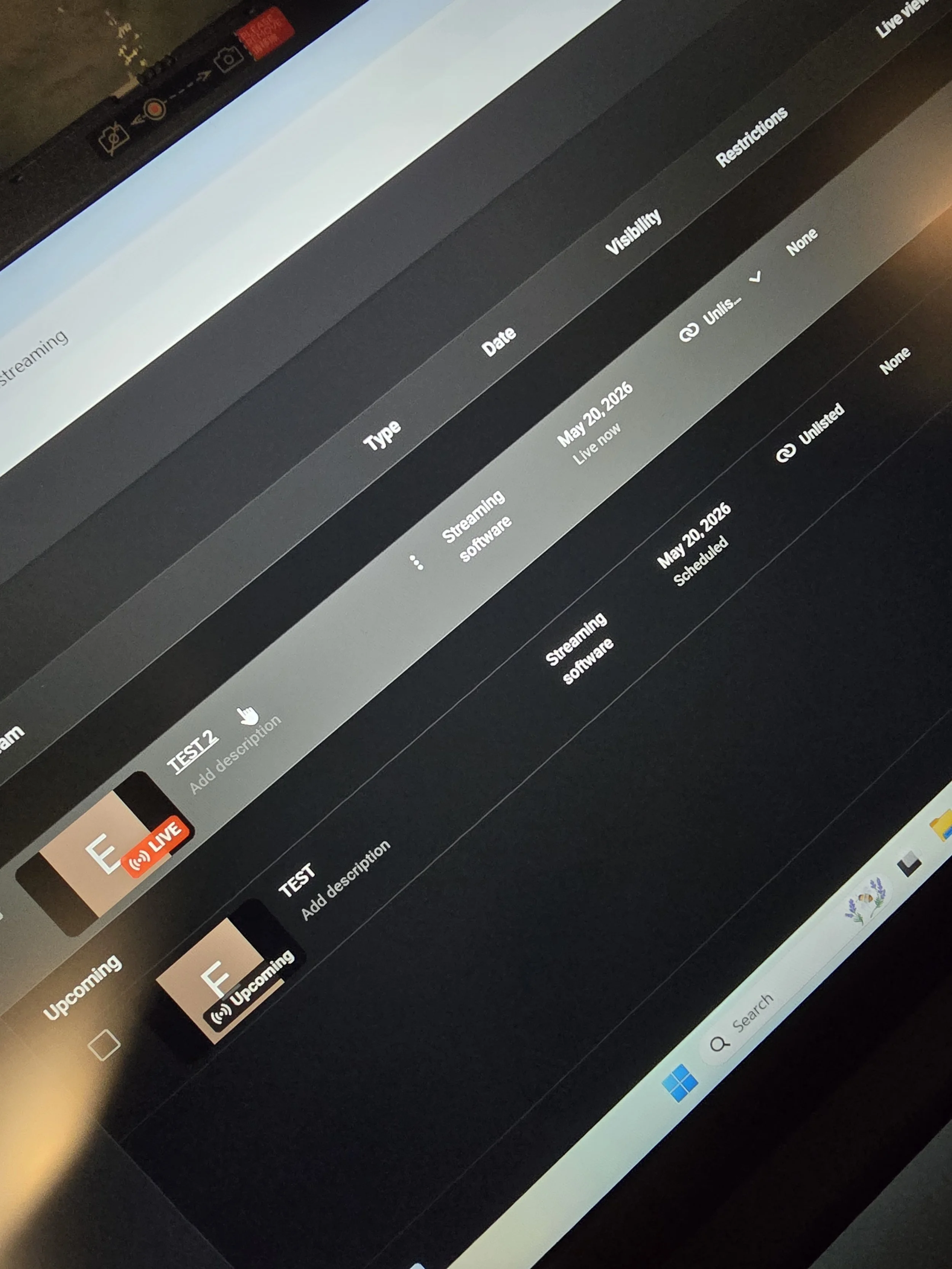
Select Go Live
Select the correct scheduled stream
(show title + date/time)Minimise Chrome
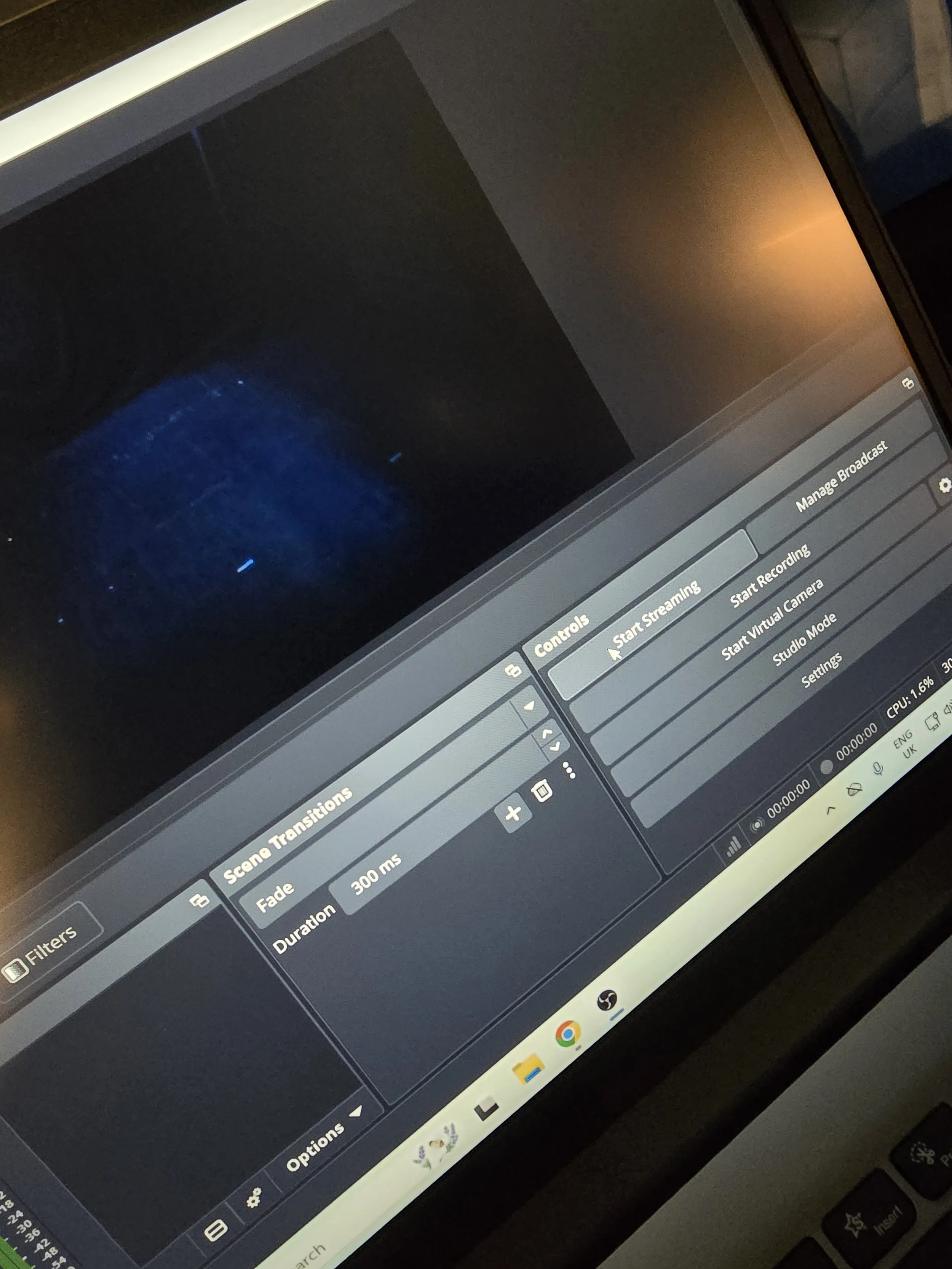
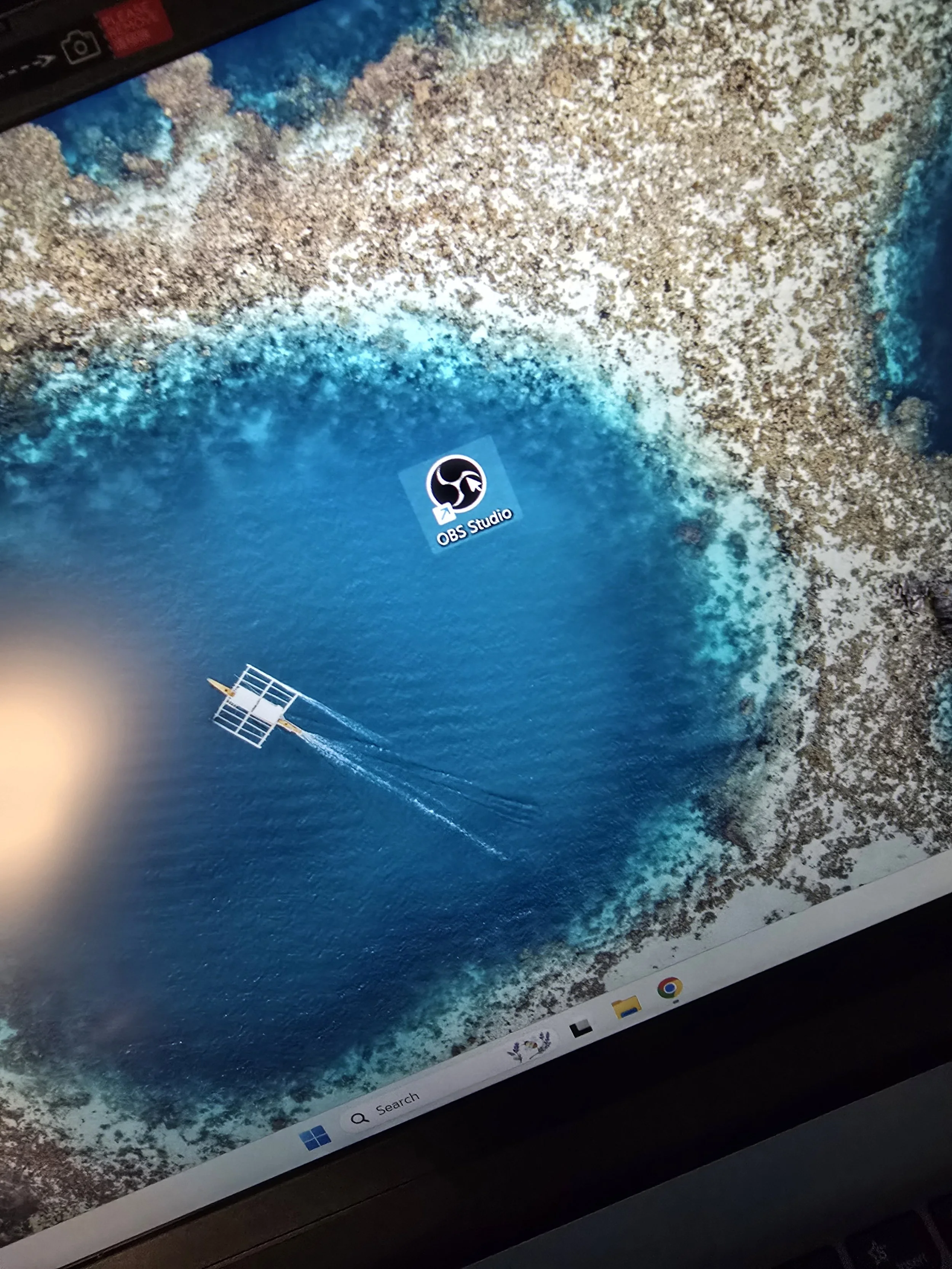
Open OBS Studio
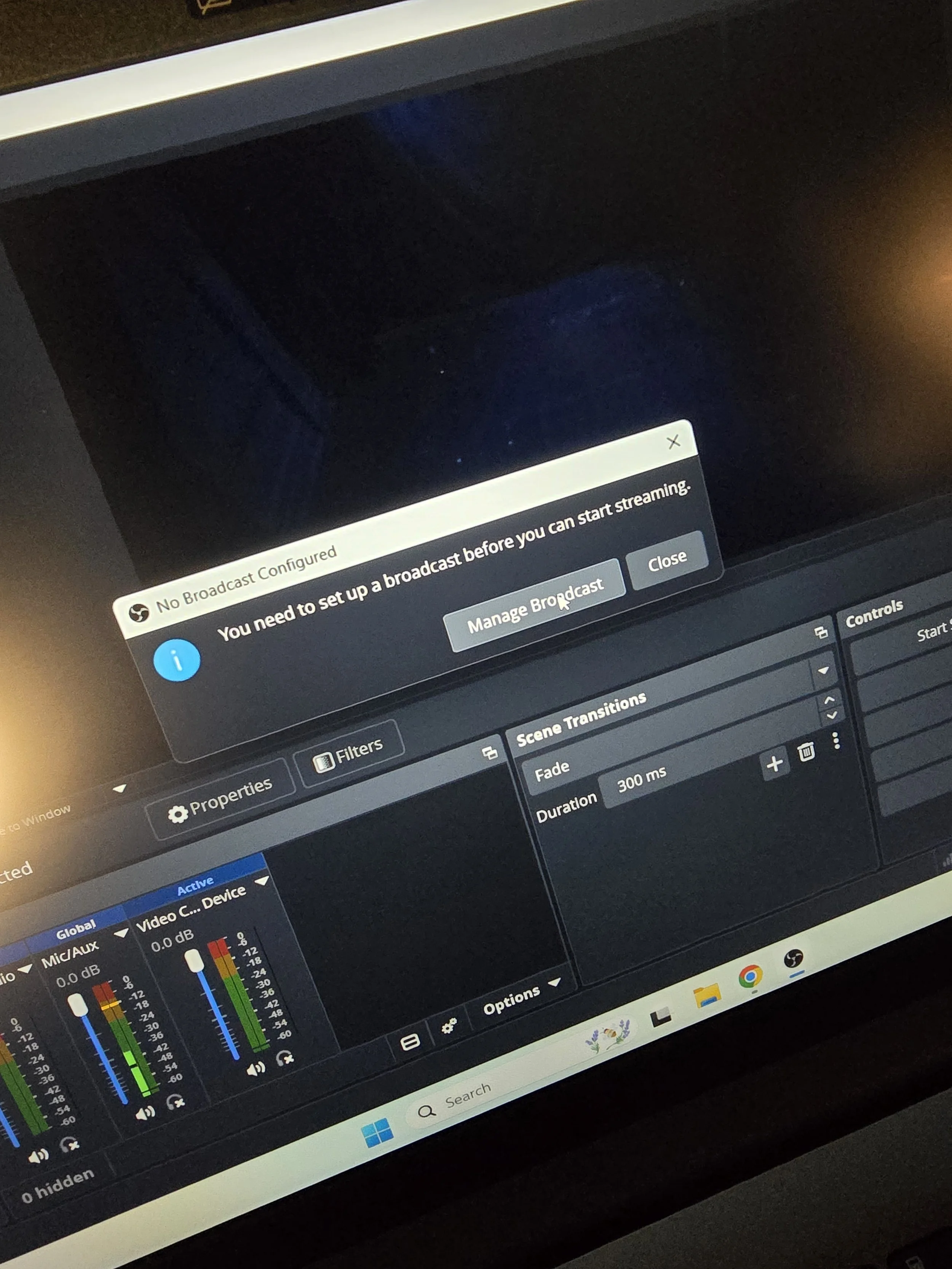
Right before the show starts, press Start Streaming in OBS
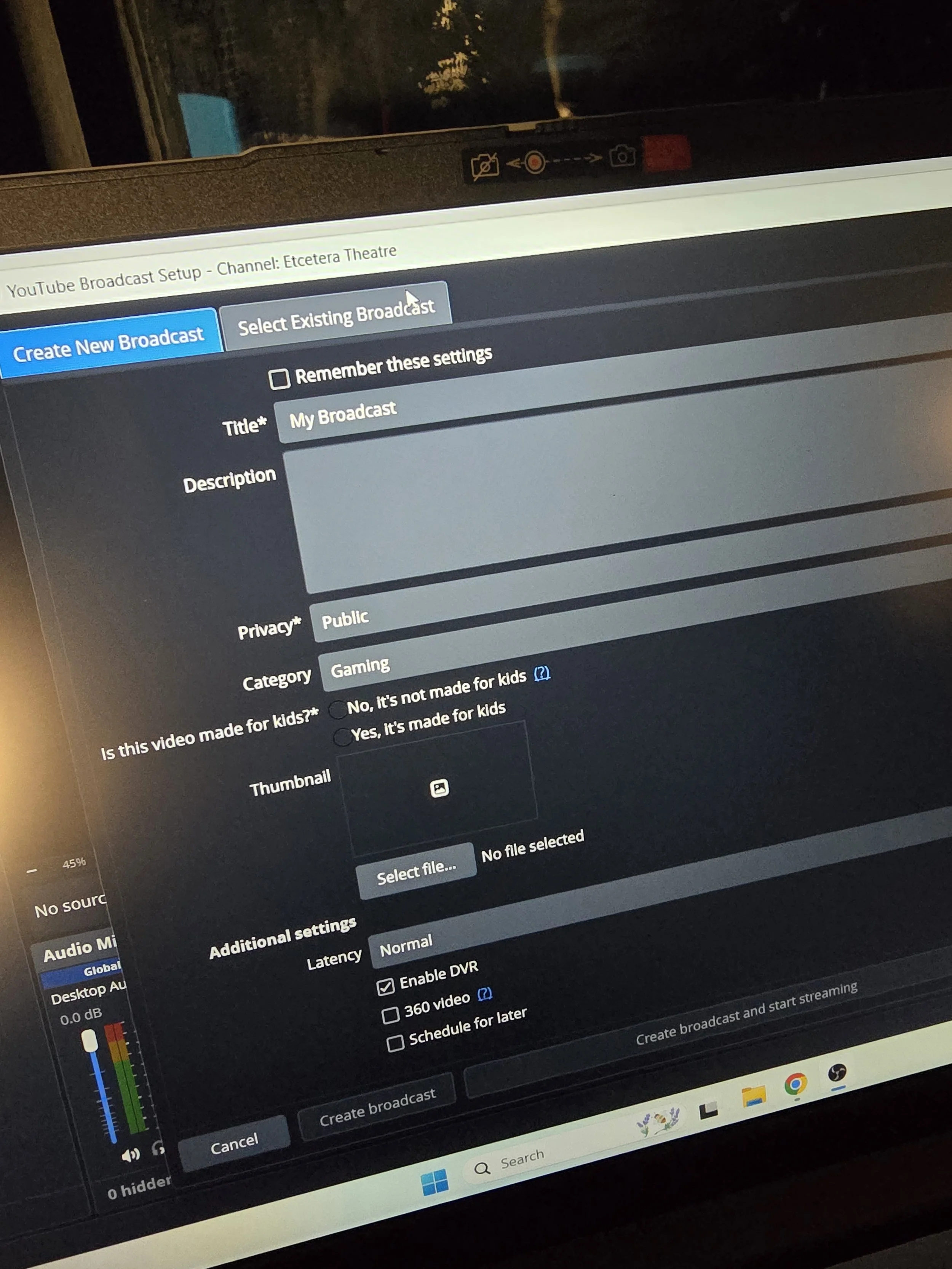
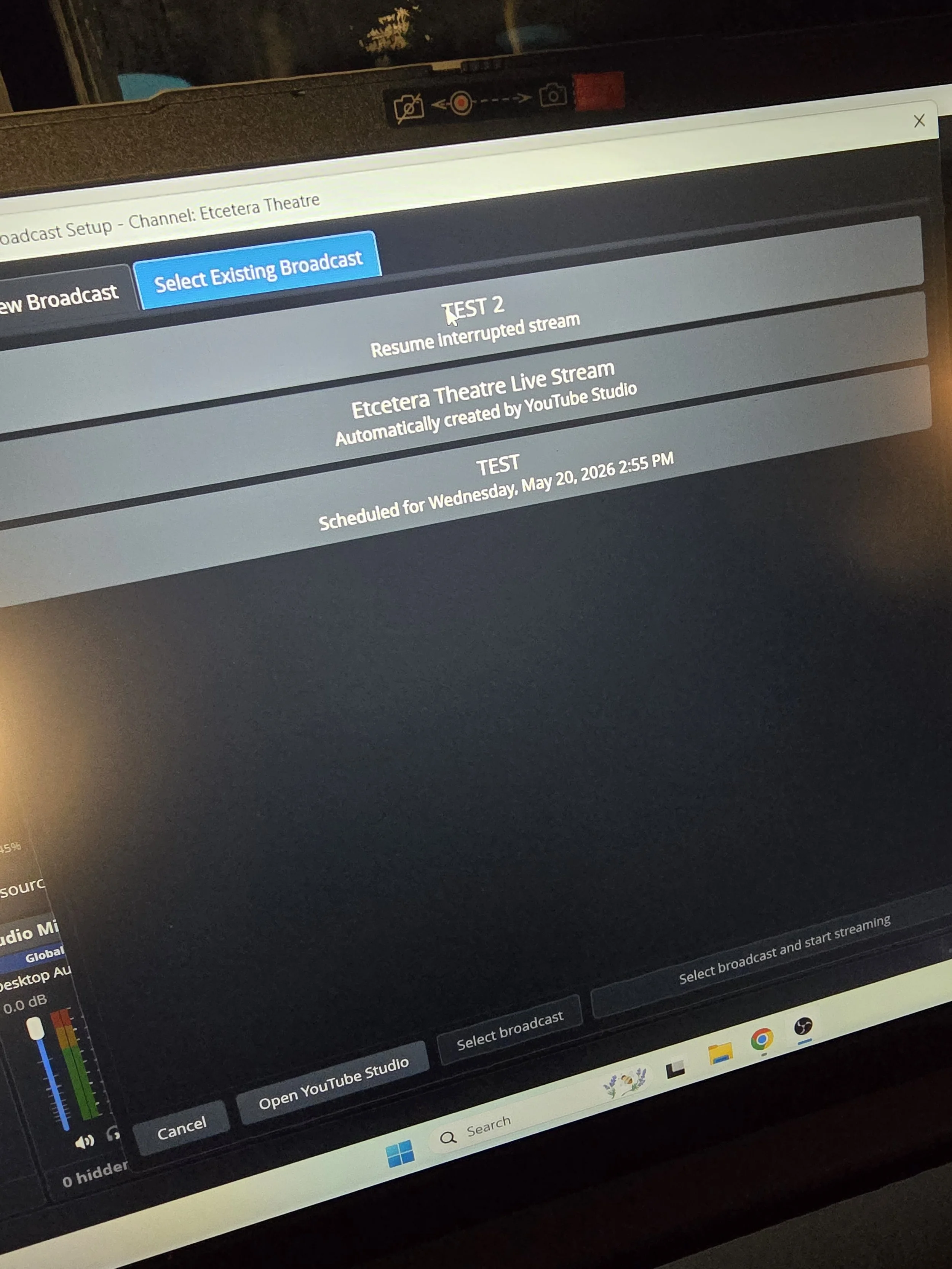
Press Manage Broadcast
Select Existing Broadcast
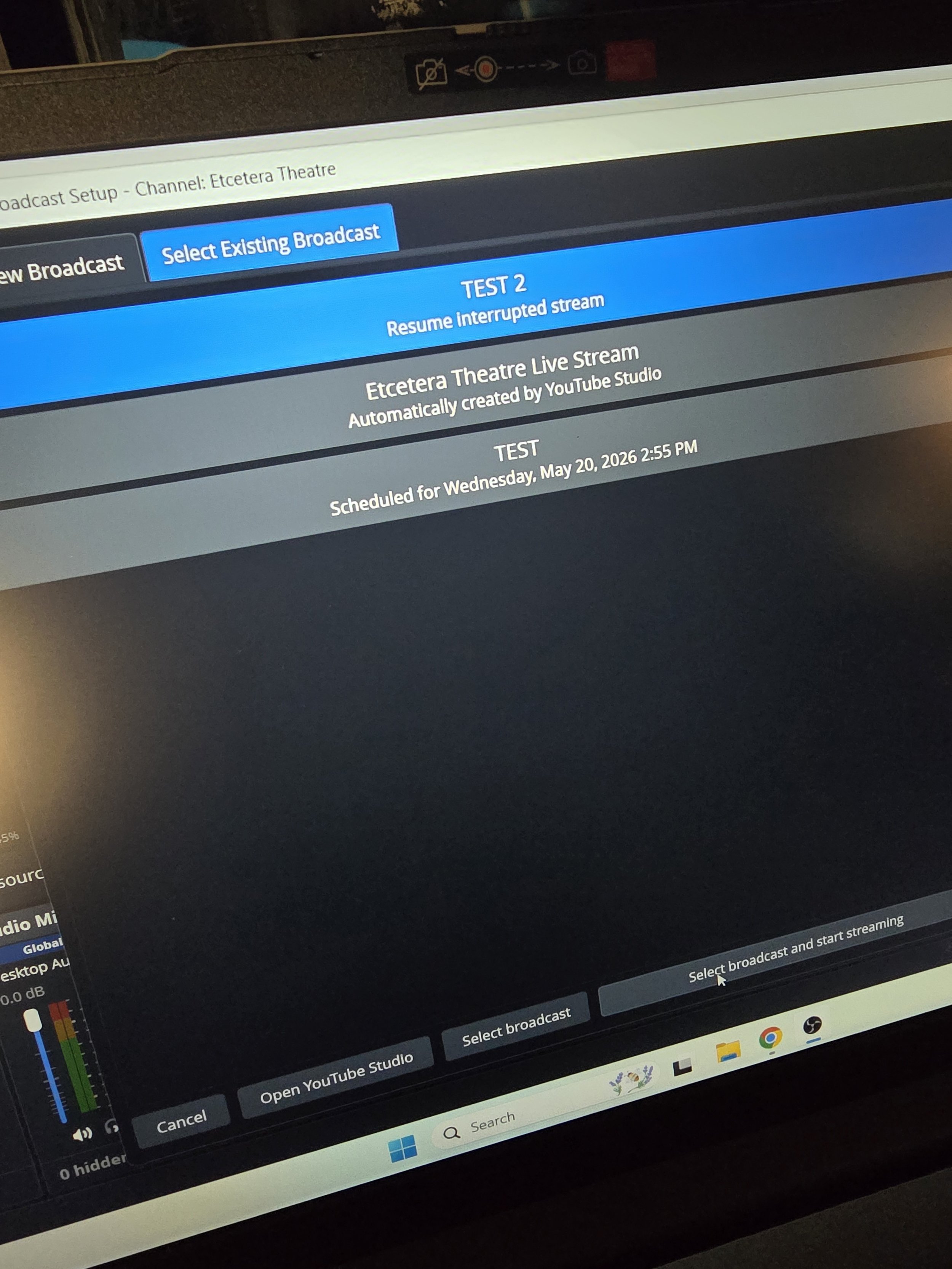
Select the correct scheduled stream
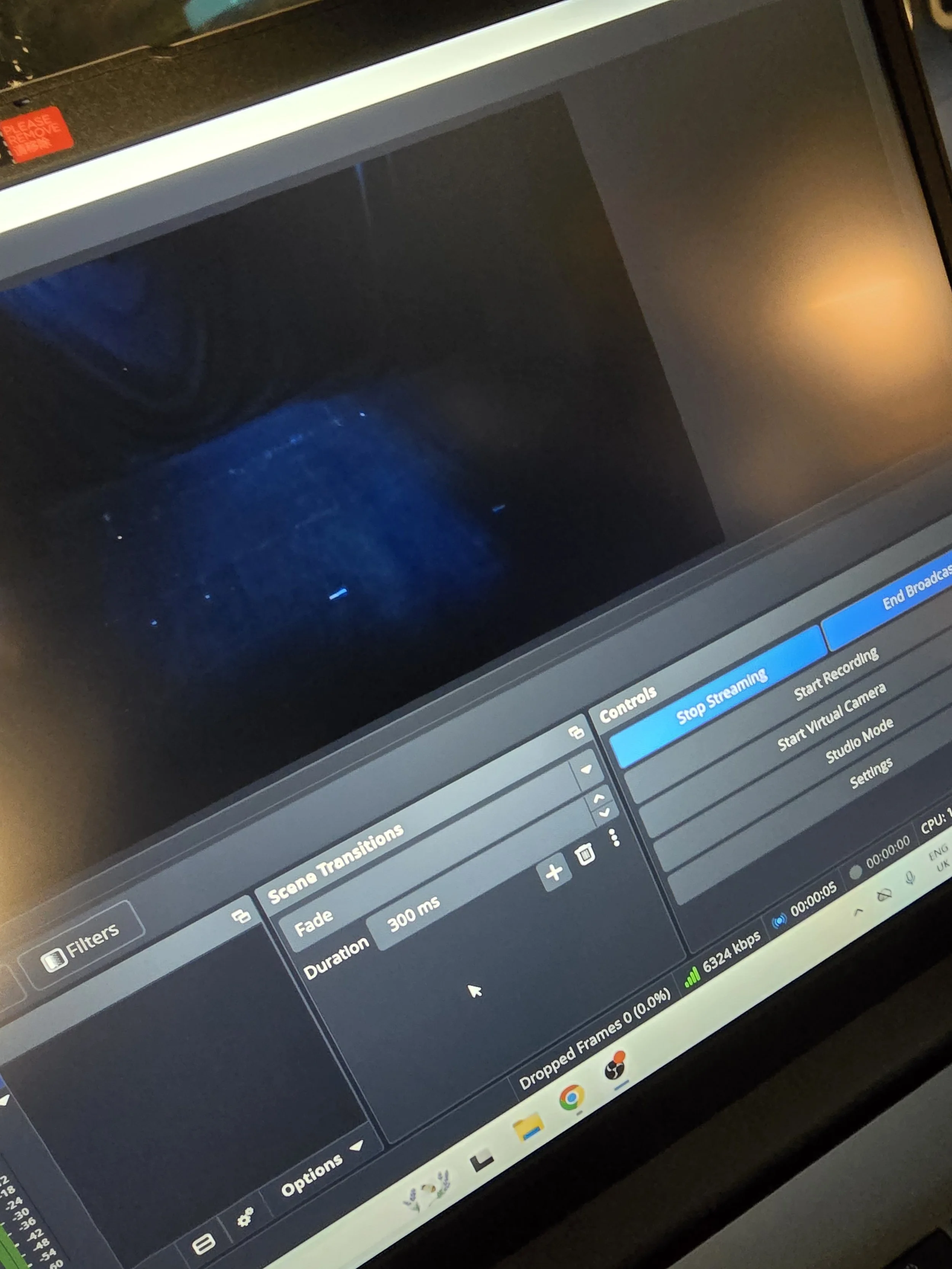
Press Select Broadcast and Start Streaming
FINAL CHECKS
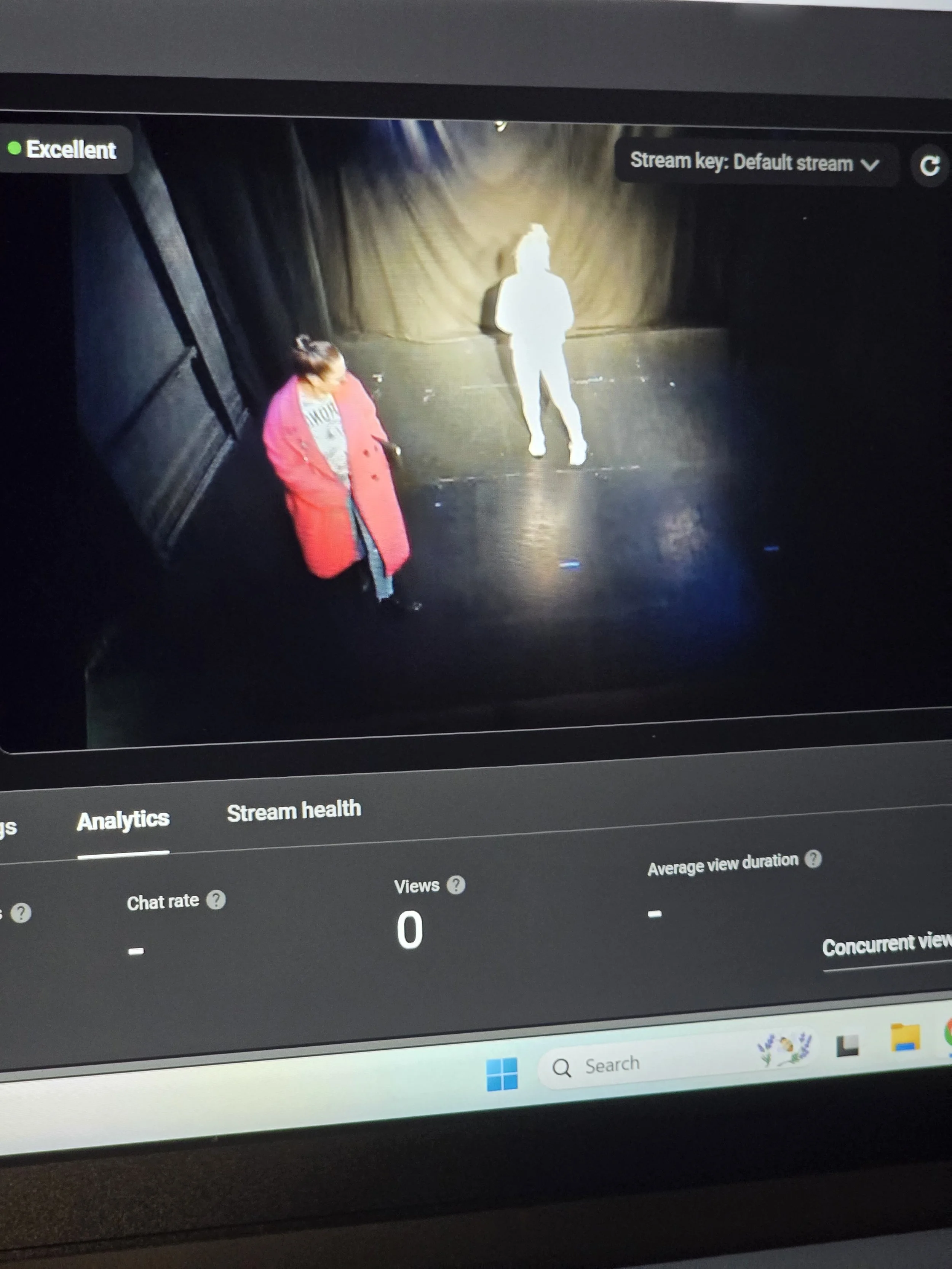
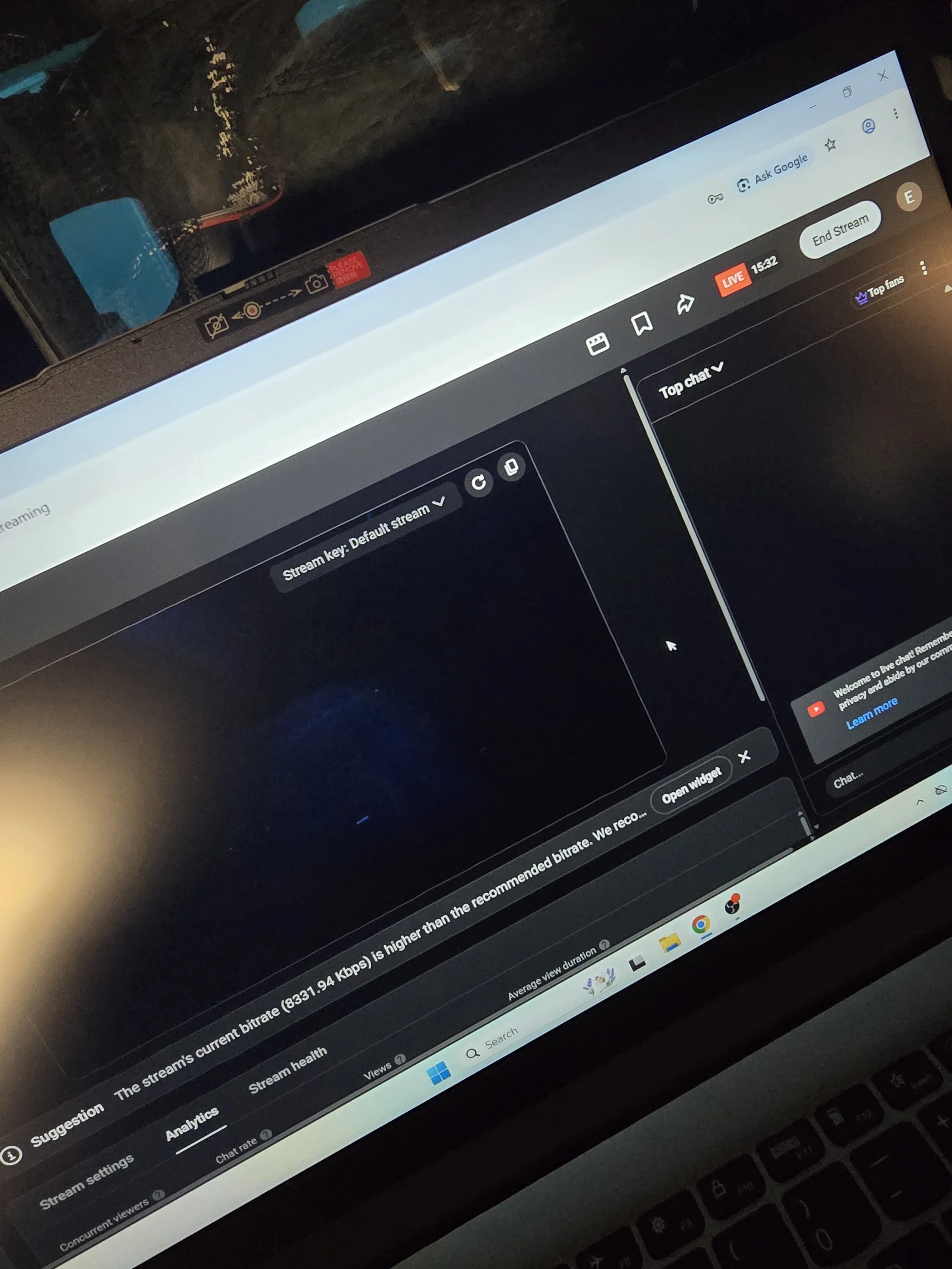
Check that the stage image is visible in YouTube preview
If preview is not live, press Go Live inside YouTube
Check audio levels in OBS
If audio is too loud or too quiet, adjust Knob 1 on the Focusrite Scarlett
END OF SHOW
Press Stop Streaming in OBS
Close OBS
Replace camera lens cap
Turn off camera
Shut down laptop
Confirm camera feed
Confirm microphone signal
Start recording and/or stream
Monitor stream health during performance
Venue staff can advise on operation if arranged in advance.
IMPORTANT NOTES
Livestream setup must be booked in advance
Streaming tests are recommended prior to performance
Stable internet connection is required
External streaming platforms/accounts must be supplied by the company unless otherwise agreed
Recording permissions remain the responsibility of the company
LIVESTREAMING FEES
Example structure:
Livestream setup fee
Technician/operator fee (if required)
Recording export fee
Hybrid event support fee
Additional rehearsal/testing time
Please contact us for current pricing and availability.
IDEAL FOR
Edinburgh Fringe previews
Press archive recordings
International collaborators
Digital theatre experiments
Remote audiences
Funding documentation
Social media promo capture
TECHNICAL SUPPORT
The Etcetera Theatre team is happy to advise on:
adapting your show for livestreaming
framing and staging considerations
lighting adjustments
audio optimisation
hybrid performance workflow
remote audience integration
Livestreaming and recording are now available at Etcetera Theatre.
Our 42-seat Camden pub theatre can support livestreamed performances, recorded shows, hybrid workshops, comedy events, scratch nights, previews and industry-facing performances.
This allows companies to reach audiences beyond the room, invite remote guests, share work with programmers or capture a live performance for archive and promotional use.